The short answer
What this setting controls
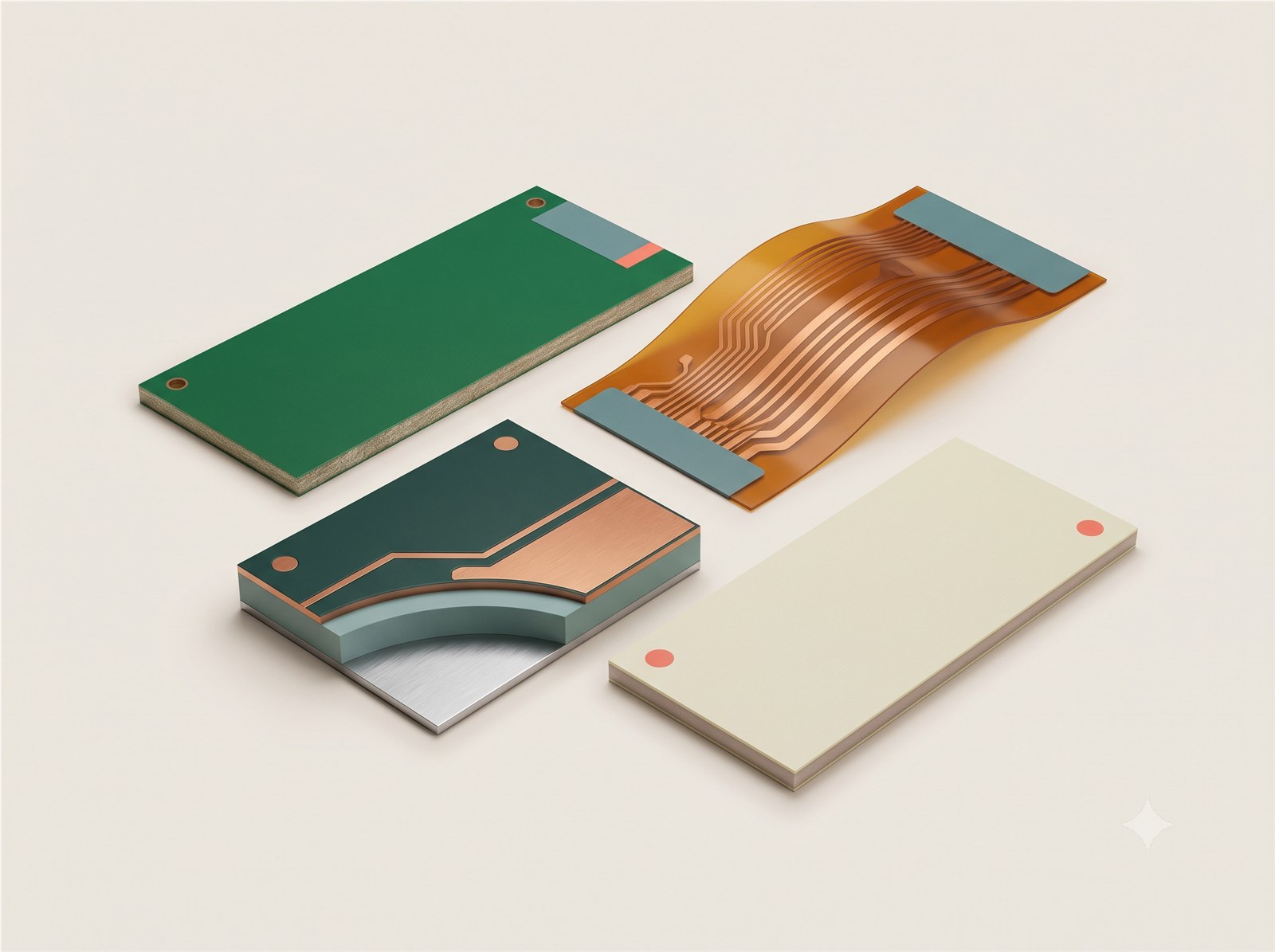
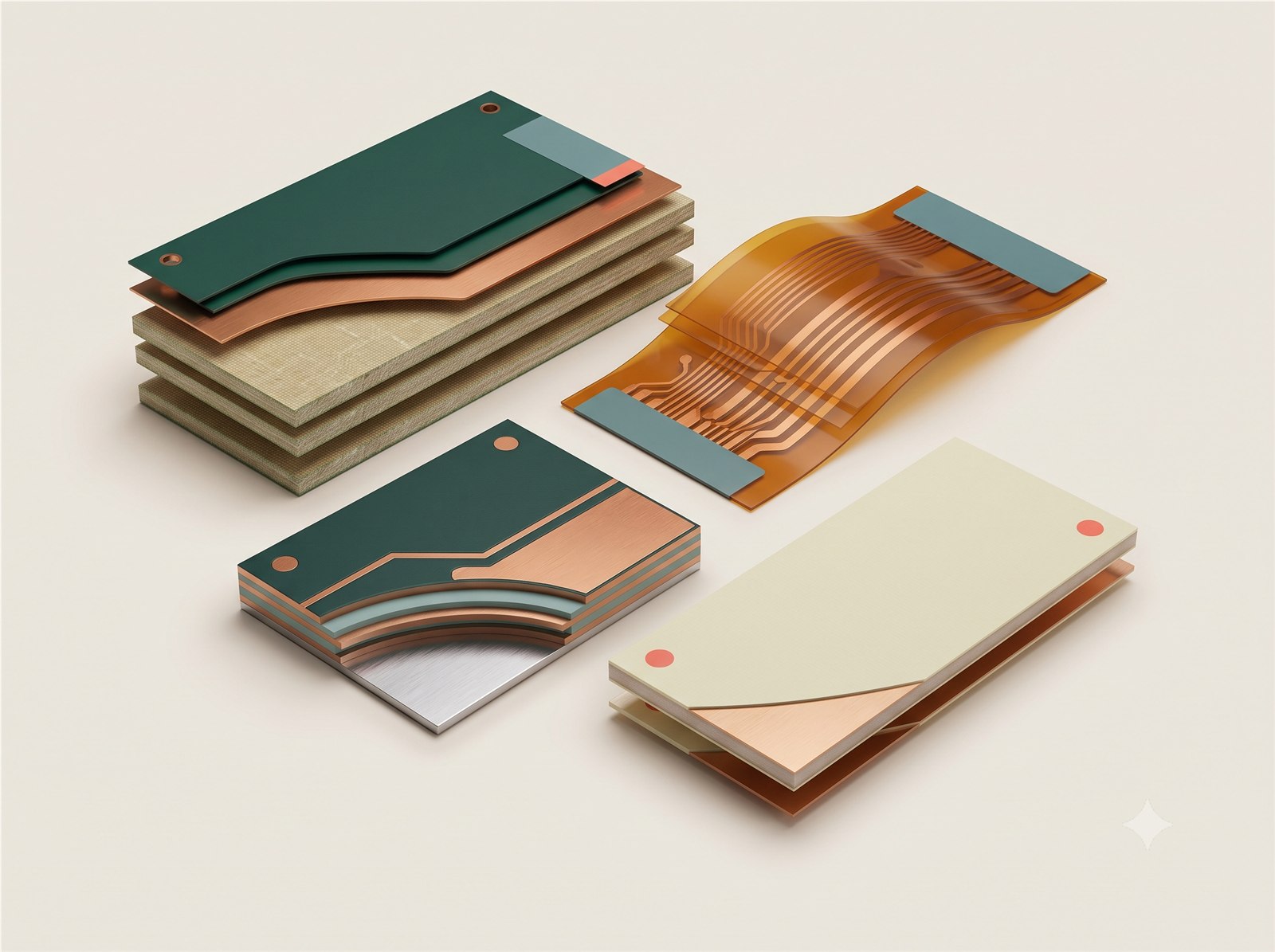
FR-4 is the familiar rigid glass-reinforced laminate used for many digital, analogue and control boards. Flex, aluminium-core, copper-core, RF laminates and HDI materials exist for different mechanical, thermal or signal needs.
Treat material selection as a stack-up decision, not a colour choice. Compare dielectric constant, loss tangent, glass transition temperature, coefficient of thermal expansion, thermal conductivity, bend radius and the availability of a compatible stack-up.
Options in the order form
How the available choices differ
| Choice | Use it for | Engineering note |
|---|---|---|
| FR-4 | General rigid boards | Balanced mechanical, electrical and thermal performance; confirm Tg and stack-up for demanding builds. |
| Flex circuit | Bending, folding or very low mass | Requires bend-radius, copper type, coverlay and stiffener decisions. |
| Aluminium / copper core | Heat-spreading LED and power designs | Excellent thermal path but different drilling, isolation and layer constraints. |
| Rogers / PTFE laminate | RF, microwave and low-loss paths | Choose from the signal-loss model and approved stack-up, not from the material name alone. |
| HDI | Microvias and very dense interconnect | Needs an HDI structure, controlled lamination sequence and stack-up review. |
Compatibility
What can change with this selection
- Changing material can change the available layer, thickness, colour, finish and assembly options.
- A material name alone is not a stack-up approval; the final build remains subject to technical review.
- Recheck layers, thickness, laminate grade, finish, colour and assembly support after changing the material family.
Practical recommendation
How to make the decision
- Use FR-4 for a general rigid board unless the design has a documented thermal, RF, flex or density requirement.
- Use flex only when the bend path and bend radius are part of the mechanical design.
- Ask for an engineering review when a mixed-material or controlled-impedance stack-up is required.
Before release
Check these points before adding the quote to cart
- Confirm the selected value matches the released Gerber, drawing, stack-up, BOM or assembly plan.
- Review any fields that changed automatically after this selection.
- Check the board preview and latest estimate before adding the quote to cart.
- Use FR-4 for a general rigid board unless the design has a documented thermal, RF, flex or density requirement.
- Use flex only when the bend path and bend radius are part of the mechanical design.
- Ask for an engineering review when a mixed-material or controlled-impedance stack-up is required.
Frequently asked questions
Answers for ordering and design review
Is FR-4 a safe default?
For many rigid prototype and production boards, yes. Keep the default when your schematic, thermal design and signal budget do not call for a specialised laminate.
When should I ask for help?
Ask when the board bends, carries substantial heat, uses fast RF links, needs a controlled impedance, or combines different laminate families.
How do I compare RF laminates?
Use the design-value dielectric constant and dissipation factor at the operating frequency, then confirm the actual stack-up, copper roughness and fabrication model used for impedance.
Why is an option disabled?
The current material, geometry, layer count, quantity or another selected process makes that combination unavailable. Change the controlling selection or revise the design package rather than trying to bypass the disabled state.
Can I rely on the online choice as final manufacturing approval?
No. The interface screens known combinations and requests pricing, while final manufacturability remains subject to the released files and technical review.
What should I record outside the order form?
Put controlled requirements in the fabrication drawing, assembly drawing, stack-up, BOM or acceptance plan. Use Special instructions only for a concise pointer to that controlled requirement.
Will changing this update other selections?
It can. The order form re-evaluates compatibility and may replace a now-invalid dependent choice before updating the quote. Review every highlighted or automatically changed field.
What if the design requires an option that is not offered?
Do not approximate it with a different label. Recheck the controlling material and geometry, document the actual requirement, and request technical review before placing the order.
Further reading
Standards and technical references
Use the latest applicable revision and your organisation’s controlled requirements when a standard forms part of product acceptance.
- IPC design standards overviewIPC — Rigid, flex, HDI, RF and current-carrying design-standard families.
- TI high-speed layout guidelinesTexas Instruments — Return paths, layer transitions, vias and transmission-line effects.
- Pyralux flexible-circuit materialsQnity — Flexible-circuit material families and application context.
- Rogers technical support hubRogers Corporation — High-frequency laminate data, papers and calculators.