Choose the service
Select the fabrication or assembly path that matches the board you are taking forward.
Bare boards or a populated build: bring your design files and requirements together. Use the checklist below to prepare your next step with TekRabbits.
Sign in before uploading design files and configuring your order.
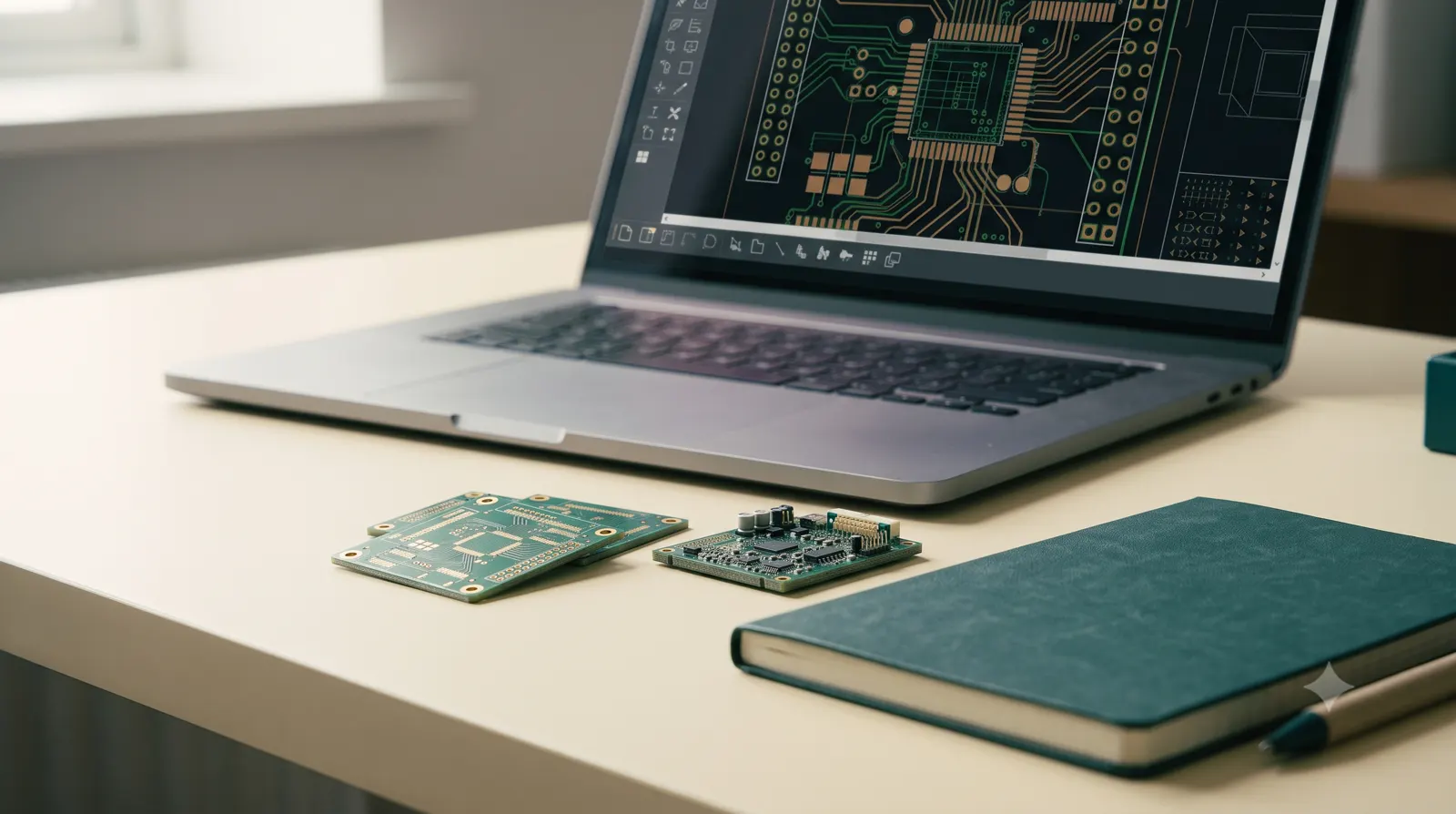
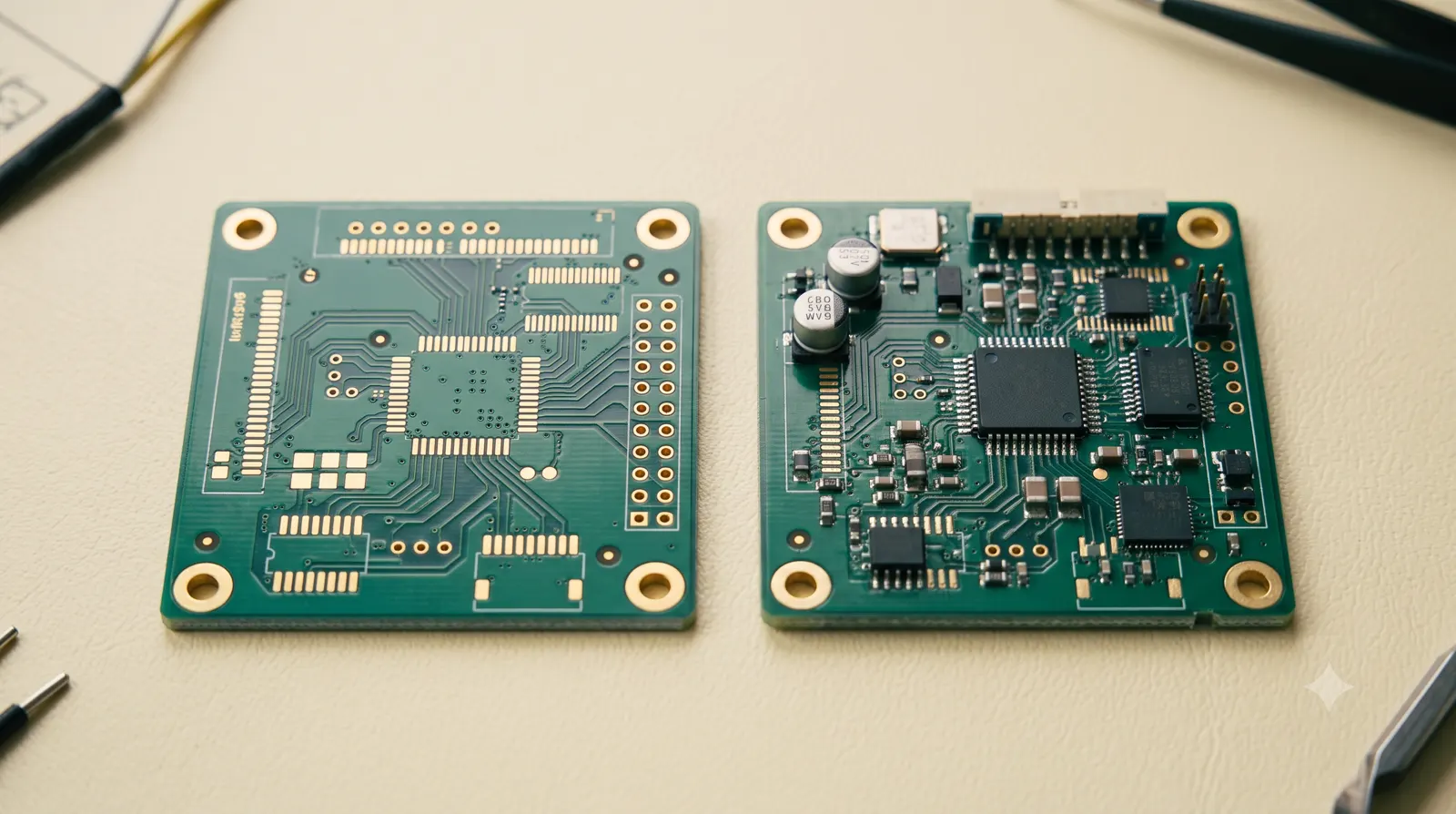
Start with the outcome you need. Both paths begin with board files; assembly adds the component and placement decisions.
Keep every file on the same design revision. Sign in or create an account to upload your Gerber archive, then add BOM and placement files if you choose assembly.
Sign in to upload your files, configure PCB fabrication or assembly, and review a quotation before checkout.
Select the fabrication or assembly path that matches the board you are taking forward.
Check the production files against one revision and resolve missing information before sharing the package.
Confirm the board requirements and, for assembly, the component list and placement data with the team.
Check the specifications, quantities, prices in ₹ and delivery details before confirming your quotation.
Yes. Sign in or create a free account to order PCB fabrication or PCB assembly online. Pay by Direct bank transfer; production proceeds only after payment is confirmed and the order passes our review.
A fabrication request starts with the board archive and specification. An assembly request also needs the component list and placement information before the build can be reviewed.
Board and placement views help you review the production package. They do not replace circuit validation, safety or compliance checks, or the functional testing of the finished product.
Speak with the TekRabbits team about the file or specification issue before placing the order. The team can confirm the appropriate review scope and any additional work required.
Sign in to upload your design files and prepare a quote. Use the configuration guides if you need help with file formats or manufacturing choices.
Read the Terms and Conditions before confirming an order.
Search by electrical requirements, package or a reference part, then inspect the matches before preparing your BOM.