The short answer
What this setting controls
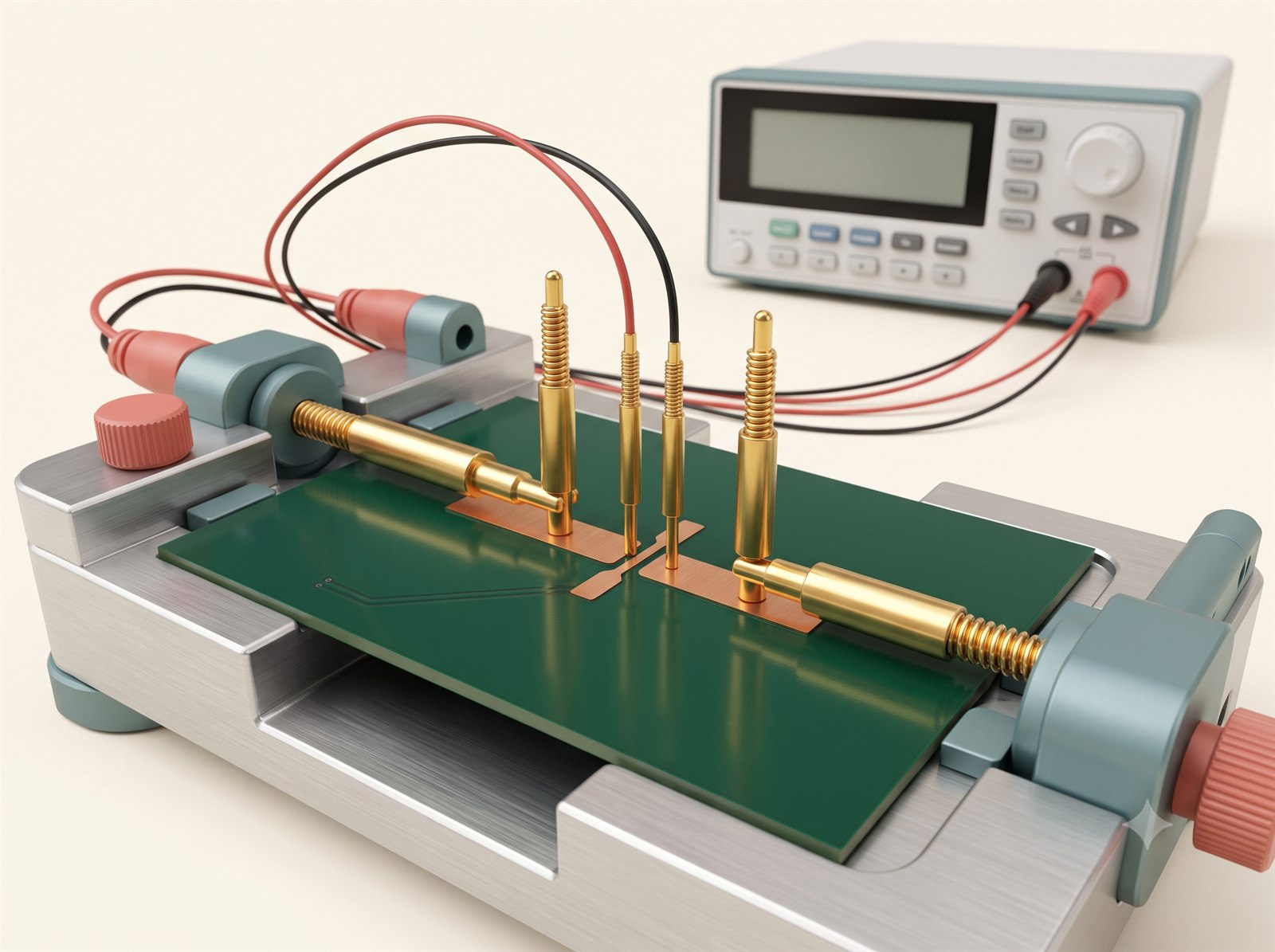
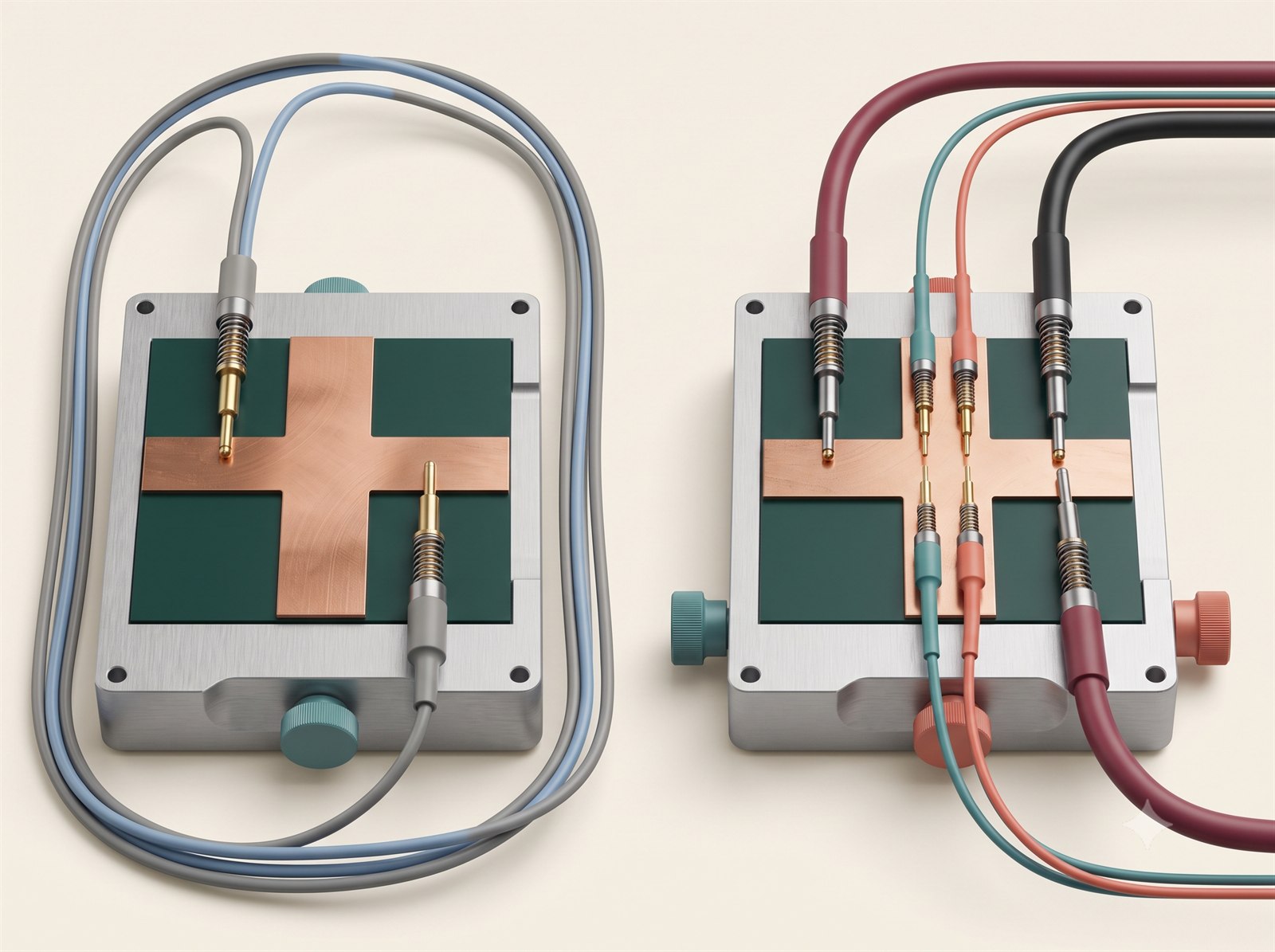
Two wires force current through the feature and two separate wires sense the voltage close to it. This is more accurate than a simple two-wire continuity check for milliohm-scale paths.
Define the exact nets, test current, resistance limit, temperature and contact points. Confirm that the design exposes suitable Kelvin connections or test coupons.
For a different electrical-test coverage question, read the flying-probe testing guide. Review the wider PCB configuration guides before finalising the fabrication and test specification.
Options in the order form
How the available choices differ
| Choice | Use it for | Engineering note |
|---|---|---|
| Recommended / default | Builds without a documented exception | Keeps the current compatible process path. |
| Alternative selection | A released drawing, stack-up or assembly plan requires it | Recheck every dependent option after changing 4-wire kelvin test. |
Compatibility
What can change with this selection
- Probe contact and temperature affect low-resistance results.
- The option may be mandatory for certain high-assurance product categories.
- If the page disables a choice, treat it as a compatibility result and adjust the controlling design decision rather than forcing the value.
Practical recommendation
How to make the decision
- Use for shunts, high-current paths or resistance-controlled conductors.
- State the acceptance value and test points.
- Do not select it as a generic substitute for electrical testing.
Before release
Check these points before adding the quote to cart
- Confirm the selected value matches the released Gerber, drawing, stack-up, BOM or assembly plan.
- Review any fields that changed automatically after this selection.
- Check the board preview and latest estimate before adding the quote to cart.
- Use for shunts, high-current paths or resistance-controlled conductors.
- State the acceptance value and test points.
- Do not select it as a generic substitute for electrical testing.
Frequently asked questions
Answers for ordering and design review
What should I do if I am unsure about 4-wire Kelvin test?
Keep the safe compatible default and add a concise question in Special instructions, or ask the TekRabbits concierge for guidance.
When should I change 4-wire Kelvin test?
Change it when the released electrical, mechanical, thermal, assembly or quality plan gives a measurable reason. Otherwise keep the compatible default and review the resulting board preview and estimate.
Why is an option disabled?
The current material, geometry, layer count, quantity or another selected process makes that combination unavailable. Change the controlling selection or revise the design package rather than trying to bypass the disabled state.
Can I rely on the online choice as final manufacturing approval?
No. The interface screens known combinations and requests pricing, while final manufacturability remains subject to the released files and technical review.
What should I record outside the order form?
Put controlled requirements in the fabrication drawing, assembly drawing, stack-up, BOM or acceptance plan. Use Special instructions only for a concise pointer to that controlled requirement.
Will changing this update other selections?
It can. The order form re-evaluates compatibility and may replace a now-invalid dependent choice before updating the quote. Review every highlighted or automatically changed field.
What if the design requires an option that is not offered?
Do not approximate it with a different label. Recheck the controlling material and geometry, document the actual requirement, and request technical review before placing the order.
Further reading
Standards and technical references
Use the latest applicable revision and your organisation’s controlled requirements when a standard forms part of product acceptance.